Measurements Used:
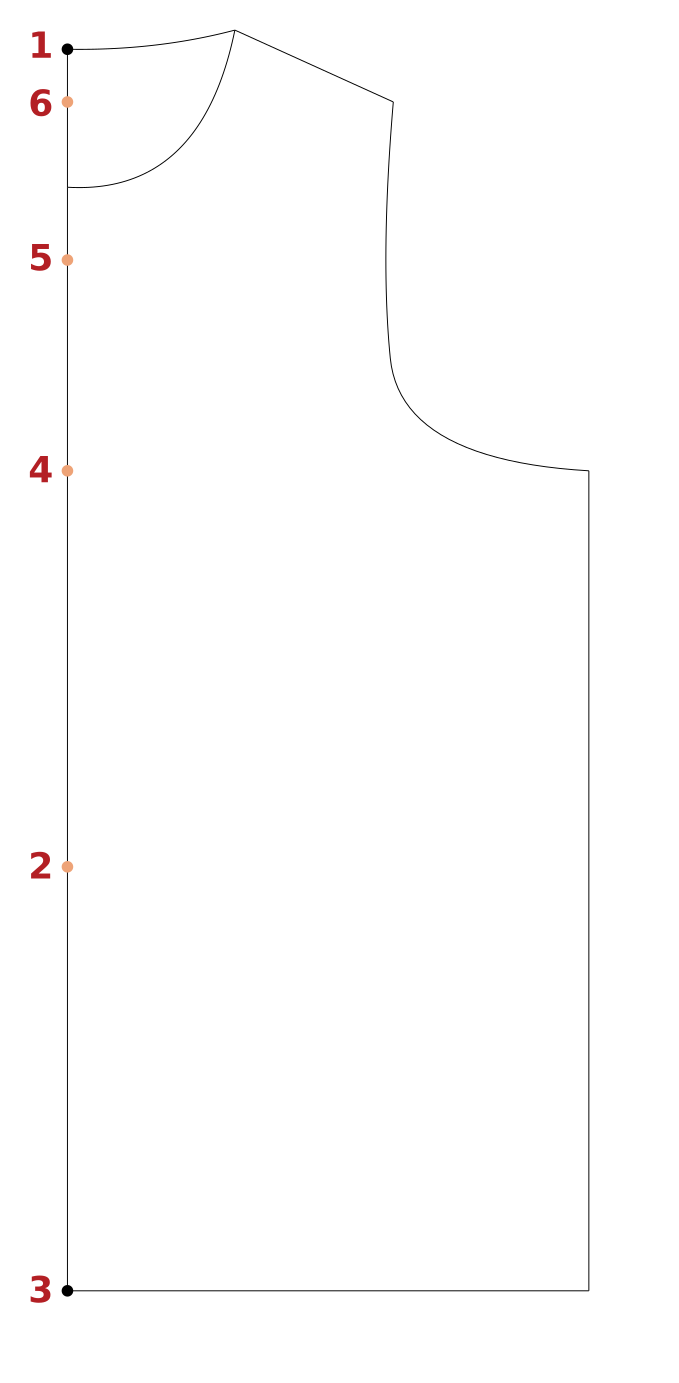
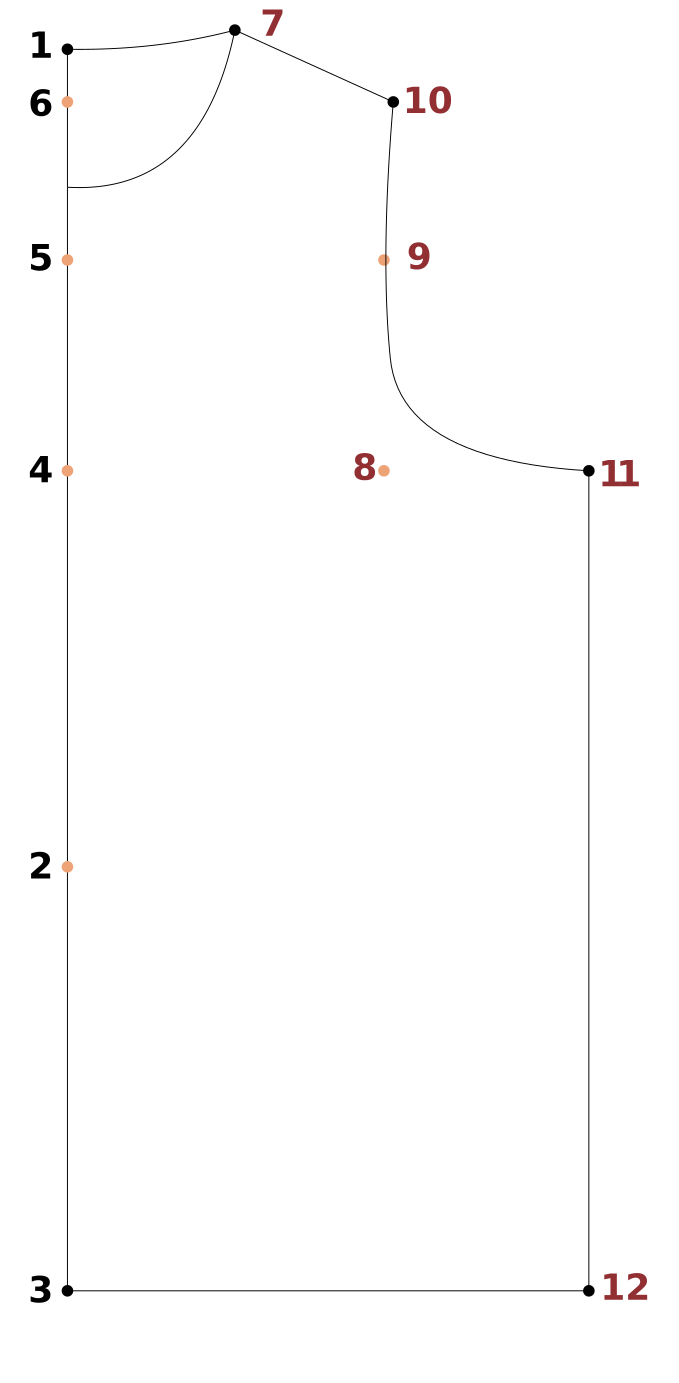
- Center Length Back - Measure from the cervical back to the natural waistline.
- Waist to Hip Side - Measure from the natural waist to the fullest part of the hip / seat at side.
- Armhole Length - Measure from the cervical back to an imaginary line at the armpit level.
- Neck - Measure around the base of the neck touching the cervical bone and the top of the front collar bone.
- Across Back - Measure across the back at mid-armhole level.
- Bust / Chest - Measure all the way around under the armpits, over the shoulder blades and across the bust/chest.
- Ovearm Length - With arm slightly bent, measure from the shoulder point, across the elbow and down to the wrist.
- Wrist - Measure around the wrist just above the wrist bone.
- Armhole Drop - Amount to drop the armhole for design or wearing ease (shortens the side length).
- Across Back Ease - Additional amount added to across back measurement for design and/or wearing ease.
- Bust/Chest Ease - Additional amount added to full bust measurement for design and/or wearing ease.
- Wrist Ease - Additional amount added to wrist measurement for design and/or wearing ease.
If you would like to see detailed images of each of these measurements demonstrated on a model and on a
sample pattern for better understanding, please visit https://PatternMakerPro.com and select Measurements on the top menu.
If you are using the memorization system in PatternMaker Pro, we recommend that you include these ease
variables in your formulas. This will allow you to recall the draft with different amounts of ease depending on the needs of the final style/design.
PatternMaker Pro
Each step in the instructions includes the category and name of each tool used, as well as its icon, for easy selection in PatternMaker Pro.
Values in curly braces {Center Length Back} are selections from a measurement set used in a formula.
Values in square brackets are Measure Between Points tool selections ([Measure 1Center Neck Back to
4Armhole Ht]),
also used in formulas. Always be mindful of parenthesis placement to force the correct math order of operations.
Sleeve Verification:
The sleeve is drafted using bodice measurements, but you must verify the fit once completed. Ensure the
sleeve cap has the correct ease relative to the armhole. Select Finish > Mark Sleeve
Ease from the menu to automatically calculate and check this ease for adjustment.
Movement / Direction
The instructions use X and Y to define direction.
X is horizontal movement. A positive X value moves to the right. A negative X values moves left.
Y is vertical movement. A positive Y value moves down and a negative Y value moves up.